❓ Help
Frequently Asked Questions
Getting Started
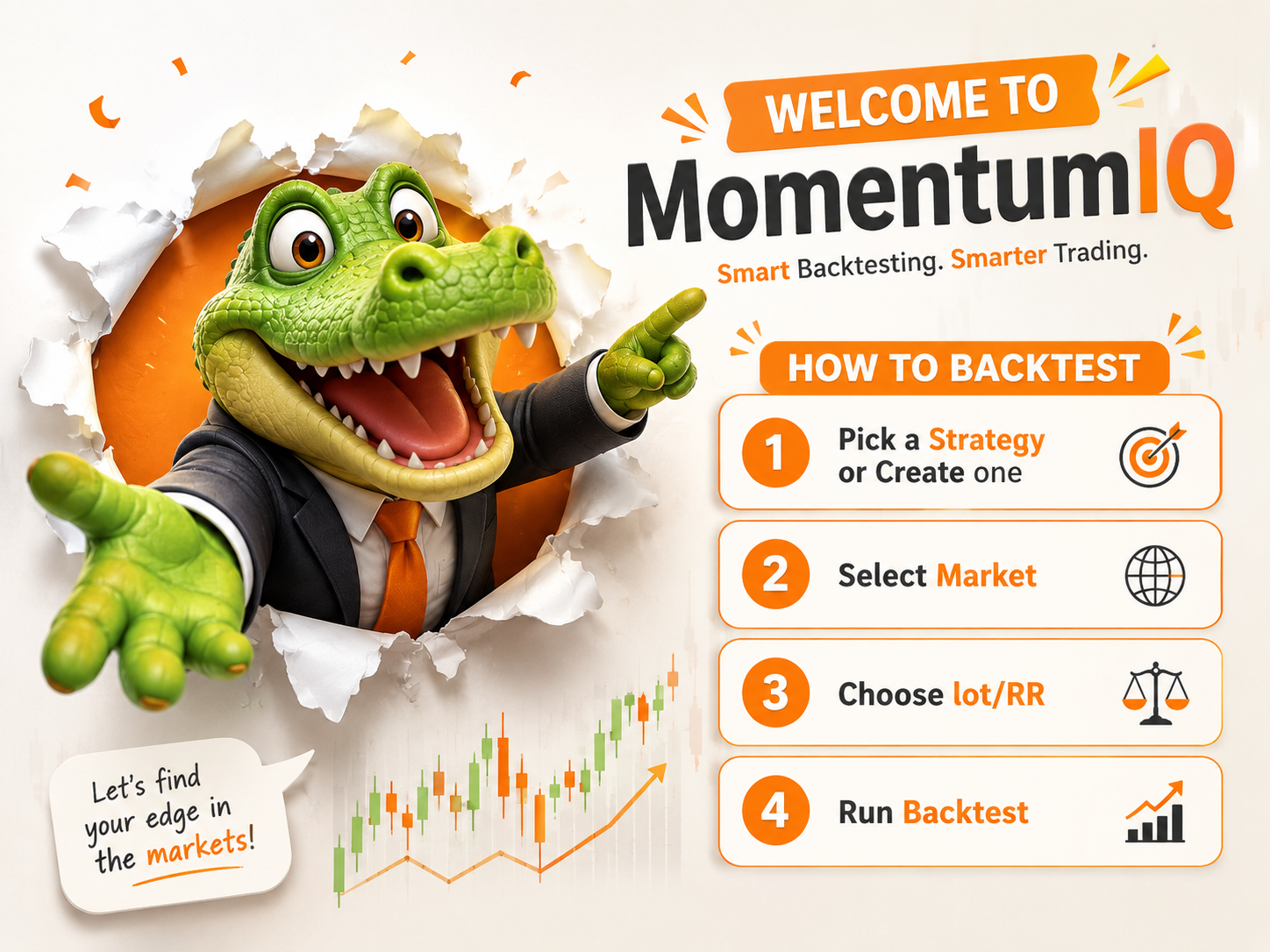
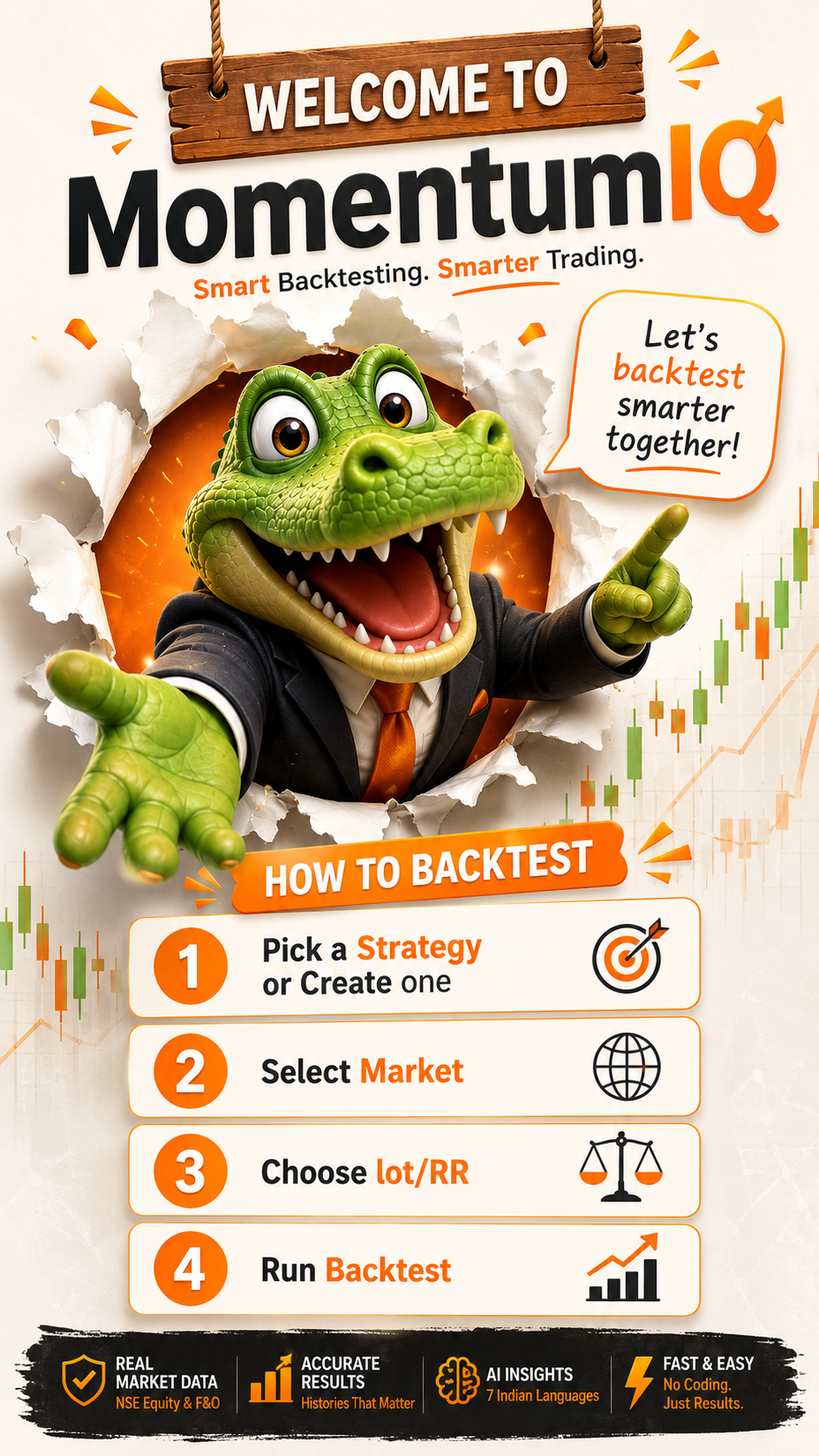
Momentum IQ is India's backtesting platform for NSE equity and F&O strategies. You can test any trading idea on real historical data without writing code — just define your strategy in plain English, pick a symbol and date range, and see exactly how it would have performed.
No. Momentum IQ is designed for traders, not programmers. You describe your strategy in plain language — "buy when EMA 9 crosses above EMA 21, sell when it crosses back below" — and our engine converts it into executable logic. The Quant plan adds optional scripting for advanced users.
Yes. The Free plan gives you 10 backtests per month, 5 saved strategies, and access to NSE Equity historical data on daily and weekly timeframes — no credit card required. You can upgrade to Pro or Quant anytime from your Profile page.
Currently we support NSE Equity (all listed stocks), NSE Indices (NIFTY 50, BANK NIFTY, FINNIFTY, MIDCAP NIFTY), and NSE F&O (futures and options on Pro/Quant plans). BSE and commodity support is on the roadmap.
Momentum IQ is available in 7 Indian languages: English, Hindi, Bengali, Gujarati, Marathi, Tamil, and Telugu. You can switch languages from the language selector in the top navigation at any time.
Backtesting
NSE Equity data goes back to 2000 for daily timeframes and to 2015 for intraday (1-minute, 5-minute, 15-minute, 1-hour). F&O data starts from 2010. The exact start date varies by symbol.
Yes. All OHLCV data is adjusted for corporate actions including splits, bonuses, rights issues, and special dividends. This ensures your backtest reflects the actual economic returns a trader would have earned.
You can configure brokerage, STT, exchange fees, and slippage in your backtest settings. By default, we apply standard NSE charges so results are realistic. We strongly recommend including these — strategies that look profitable before costs often aren't after.
Most daily-timeframe backtests complete in 5–30 seconds. Intraday backtests over large date ranges (5+ years on 1-minute data) can take 1–3 minutes. The Run page shows live progress so you can see exactly what's happening.
Results include: Net P&L, CAGR, Win Rate, Profit Factor, Sharpe Ratio, Sortino Ratio, Max Drawdown, Average Trade Duration, Number of Trades, Best/Worst Trade, and an equity curve chart. Pro and Quant plans include a full trade log with entry/exit details.
F&O backtesting including multi-leg strategies (straddle, strangle, iron condor, spreads) is available on the Pro and Quant plans. Options are priced using historical IV data so results reflect actual market conditions.
Strategies
Go to Strategies → New Strategy, define your indicators, entry/exit rules, and risk parameters, then click Save. Saved strategies appear in your Strategies list and can be re-run on any symbol or date range with one click from the New Backtest page.
We support EMA, SMA, WMA, DEMA, TEMA, RSI, MACD, Bollinger Bands, ATR, Stochastic, Supertrend, VWAP, OBV, ROC, Keltner Channel, and Donchian Channel. Custom indicator scripting is available on the Quant plan.
Batch backtesting across multiple symbols simultaneously is available on Pro and Quant plans. You can select up to 50 symbols at once and see comparative results side by side to find where your strategy performs best.
Yes. All strategies are completely private by default. Only you can see them. We do not share, publish, or use your strategies for any purpose other than running your backtests. See our Privacy Policy for full details.
Data & Accuracy
All data is sourced from NSE and BSE official feeds and licensed third-party financial data providers. We do not scrape or use unofficial sources. Data is updated at end of market day (typically 6:30 PM IST on trading days).
Momentum IQ is a research and educational platform, not a registered investment advisor or broker. We use publicly available historical market data for backtesting purposes. We do not provide live market data feeds or execute trades on your behalf.
Backtests are as accurate as the data and assumptions you configure. Common sources of inaccuracy include look-ahead bias (we prevent this), survivorship bias (we include delisted stocks), and ignoring liquidity constraints. Always paper trade a strategy before committing real capital.
Pro users can export results as CSV and PDF. Quant users also get raw OHLCV data export and API access. Free users can view results on screen but cannot export.
Billing & Plans
Free plan is always free. Pro is ₹499/month or ₹3,493/year (save 30%). Quant is ₹1,499/month or ₹10,493/year. All prices include GST. See the Plans page for full feature comparison.
We accept UPI (GPay, PhonePe, Paytm), Net Banking, Debit/Credit cards (Visa, Mastercard, RuPay), and popular wallets — all via Razorpay. EMI is available on select cards for annual plans.
Yes. Cancel anytime from Profile → Plans. You keep access until the end of your billing period and won't be charged again. No lock-in, no cancellation fees.
We offer a 7-day full refund on your first paid subscription — no questions asked. Renewals are non-refundable. See our Refund Policy for complete details.
Yes. We offer 40% off for students with a valid college email and 30% off for SEBI-registered research analysts. Email hello@momentumiq.in with proof to claim your discount.
Account
Yes. Google OAuth login is supported and recommended — it's faster and more secure than a password. If you signed up with email, you can link your Google account from the Profile page.
Multiple accounts per person are not permitted. Team access (multiple seats under one subscription) is available on the Quant plan — up to 5 team members can share one account.
Go to Profile → Danger Zone → Delete Account. This permanently deletes your account and all associated data within 30 days. If you have an active paid plan, cancel it first to avoid further charges.
Technical
Momentum IQ works best on Chrome, Firefox, and Edge (latest versions). Safari is supported. Internet Explorer is not supported. The platform is fully responsive and works on mobile and tablet, though we recommend desktop for backtesting work.
REST API access is available on the Quant plan. It allows you to trigger backtests, fetch results, and export OHLCV data programmatically. Webhook support for automation pipelines is also included.
First try refreshing the page and re-running. If the issue persists, check the Live Log on the Run page for error messages. Common issues include unsupported indicator combinations or date ranges with no data. If you're still stuck, contact support@momentumiq.in with the error message.
Yes. All data is encrypted in transit (HTTPS/TLS 1.3) and at rest (AES-256). We host on AWS with SOC 2 compliant infrastructure. We never sell your data. See our Privacy Policy for full details.
Still have a question? Send us a message — we reply within 24 hours on business days.